270/69 Tuesday, May 19, 2026
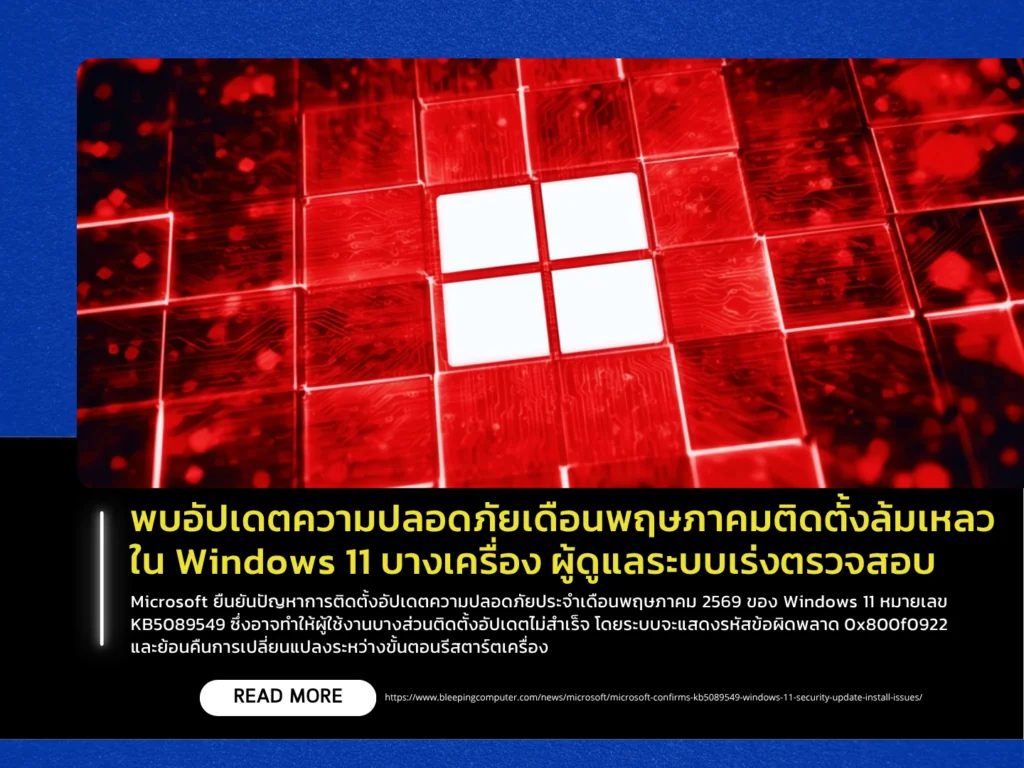
Microsoft has confirmed an issue affecting the installation of the May 2026 security update for Windows 11, identified as KB5089549. The issue may cause update installations to fail on some systems, with affected devices displaying error code 0x800f0922 and rolling back changes during the restart process. Users commonly encounter the problem when installation progress reaches approximately 35–36%, followed by the message: “Something didn’t go as planned. Undoing changes.”
Microsoft stated that the primary cause of the issue is insufficient free space in the EFI System Partition (ESP), particularly on devices where the partition has less than 10 MB of available space. As a result, the update process cannot complete successfully during reboot and ultimately fails. The company emphasized that this is a known installation issue rather than a cybersecurity incident or active attack. The problem affects Windows 11 versions 24H2 and 25H2 that have received update KB5089549.
System administrators are advised to review Windows 11 devices where KB5089549 installation has failed. Microsoft recommends two mitigation approaches: applying the ESP-related workaround and using Known Issue Rollback (KIR) for consumer devices and unmanaged business systems. For enterprise-managed environments, IT administrators must deploy and configure a dedicated Group Policy setting to temporarily reverse the problematic changes causing the issue, followed by a system restart for the policy to take effect. Microsoft also advised against uninstalling the security update as a primary mitigation method unless absolutely necessary.