511/69 Thursday, September 17, 2026
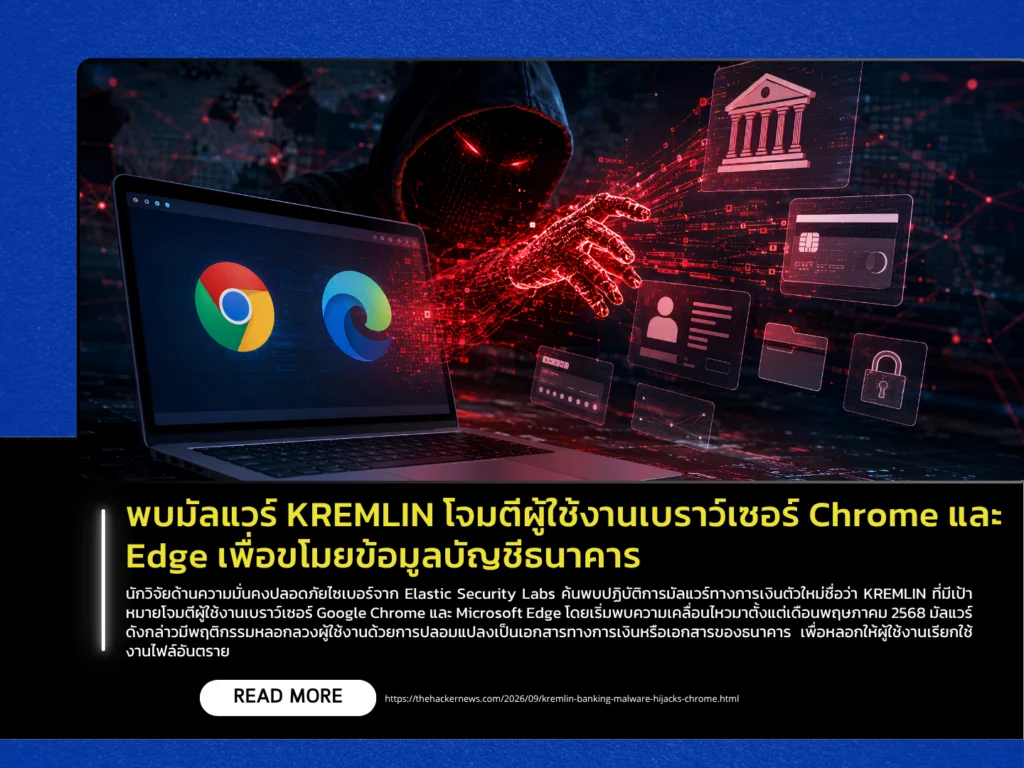
Cybersecurity researchers from Elastic Security Labs have discovered a new financial malware operation named KREMLIN, which targets users of Google Chrome and Microsoft Edge. Activity linked to the malware has been observed since May 2025. The malware uses social engineering by disguising itself as financial or banking documents to trick users into executing malicious files. Reports indicate that the campaign primarily affects users of banking systems in Brazil. However, it remains a threat that general users and organizations should monitor, as the attackers use sophisticated techniques to steal sensitive data such as passwords, session tokens, and browser activity information.
The KREMLIN attack begins by tricking victims into opening a JavaScript file disguised as a fake document. Once executed, the malware checks the system environment to evade detection through anti-sandbox techniques. If it determines that the system belongs to a real user, the malware uses DLL sideloading through a legitimate file associated with SentinelOne security software to covertly install a browser extension named AVSync System Inc. on the browser. By bypassing Chromium security checks, the malware can capture screenshots, steal cookies, collect browsing history, and gather data from web pages. The attackers also use blockchain technology through Ethereum smart contracts to hide command-and-control (C2) infrastructure, making blocking efforts more difficult. However, researchers have taken control of a domain used by the malware for network checks, causing the malware’s mechanism to malfunction and temporarily disabling its activity on more than one thousand infected systems.
To reduce risk and mitigate the impact of this type of threat, users and administrators should be cautious when downloading or executing attachments from unverified sources, especially files claiming to be financial documents or invoices. As an initial check, users should regularly review browser extensions. If an unfamiliar or suspicious extension is found, such as AVSync System Inc., it should be removed immediately, followed by clearing browser cookies and changing passwords for important accounts. Organizations should also monitor abnormal program behavior on systems and keep software and browsers updated to the latest versions to reduce the likelihood of compromise and improve timely protection against cyber threats.
Source: https://thehackernews.com/2026/09/kremlin-banking-malware-hijacks-chrome.html