655/69 Friday, November 27, 2026
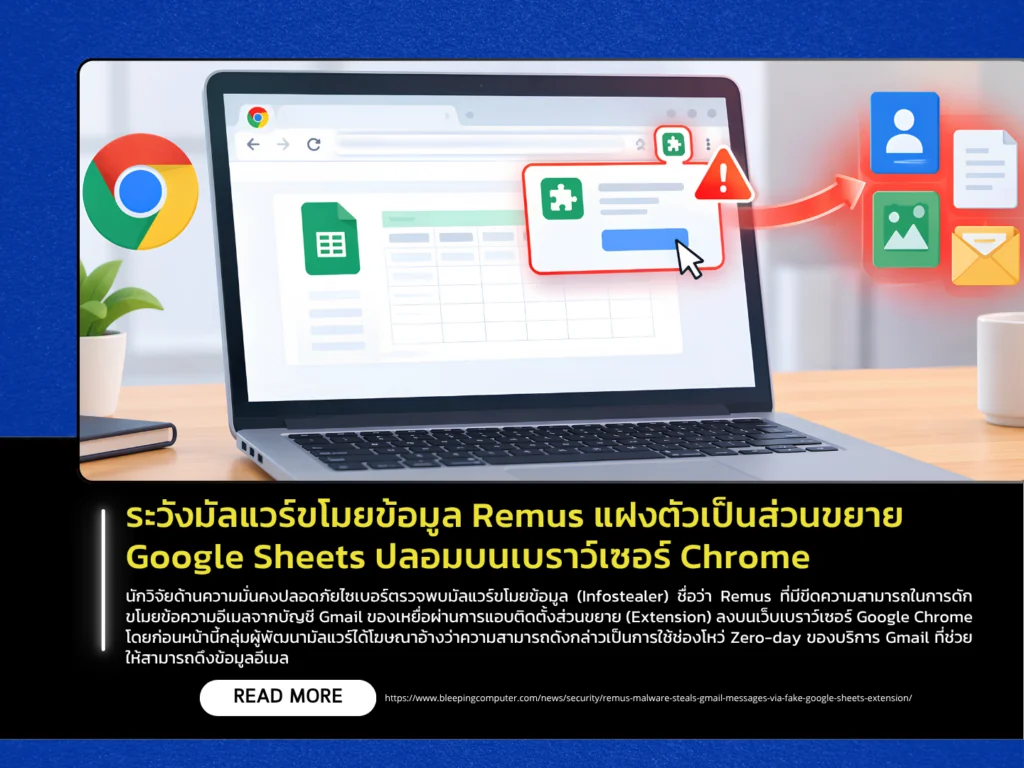
Cybersecurity researchers have identified an infostealer malware named Remus that is capable of stealing Gmail messages by secretly installing a malicious extension in the Google Chrome browser. The malware’s developers had previously advertised the capability as a Gmail Zero-Day that supposedly allowed attackers to retrieve email data, including authentication codes that could be used to compromise other accounts, even after victims changed their passwords or signed out of all sessions. Threat intelligence company Hudson Rock and the Invoke RE research team investigated the claim before GenDigital conducted reverse engineering and determined that the activity did not involve a Gmail vulnerability. Instead, the data theft was caused by a malicious browser extension that remained installed on the victim’s system and continued to abuse an active Gmail session.
Technically, Remus uses a DLL module containing an unencrypted ZIP archive of the malicious extension embedded in its .rdata section, which is then installed specifically into Google Chrome. To bypass protections introduced in Chrome version 137 and later that removed command-line loading of extensions, the malware directly modifies the victim’s Chrome profile files to register the extension and force-enable Developer Mode, allowing unpacked extensions to run. The fake extension identifies itself as Google Sheets version 0.5.4 and copies the description of the legitimate Google Docs Offline extension to appear trustworthy. It also requests permission to access data on all websites. Once active, the extension checks for unread emails every minute, retrieves the full message contents in raw form through the attachment viewing interface, and sends data including the email subject, message body, sender name, and victim email address to a Command-and-Control (C2) server such as arx5ty[.]onl. The extension also maintains a local history to prevent duplicate uploads and queues failed transmissions for later retry. Data theft stops temporarily when the Gmail session expires but resumes once the victim signs in again.
To reduce the risk from this threat, users and administrators should avoid downloading or installing software from untrusted sources, which remains a common distribution method for infostealer malware. Google Chrome users should regularly review installed extensions by entering chrome://extensions in the address bar and look for suspicious indicators, such as Developer Mode being enabled unexpectedly or an unfamiliar extension named Google Sheets with an unusual icon or extension ID. If an extension is found that the user did not intentionally install, it should be removed immediately. The affected system should then be scanned for malware, and passwords for important accounts should be changed as an additional precaution.