657/69 Friday, November 27, 2026
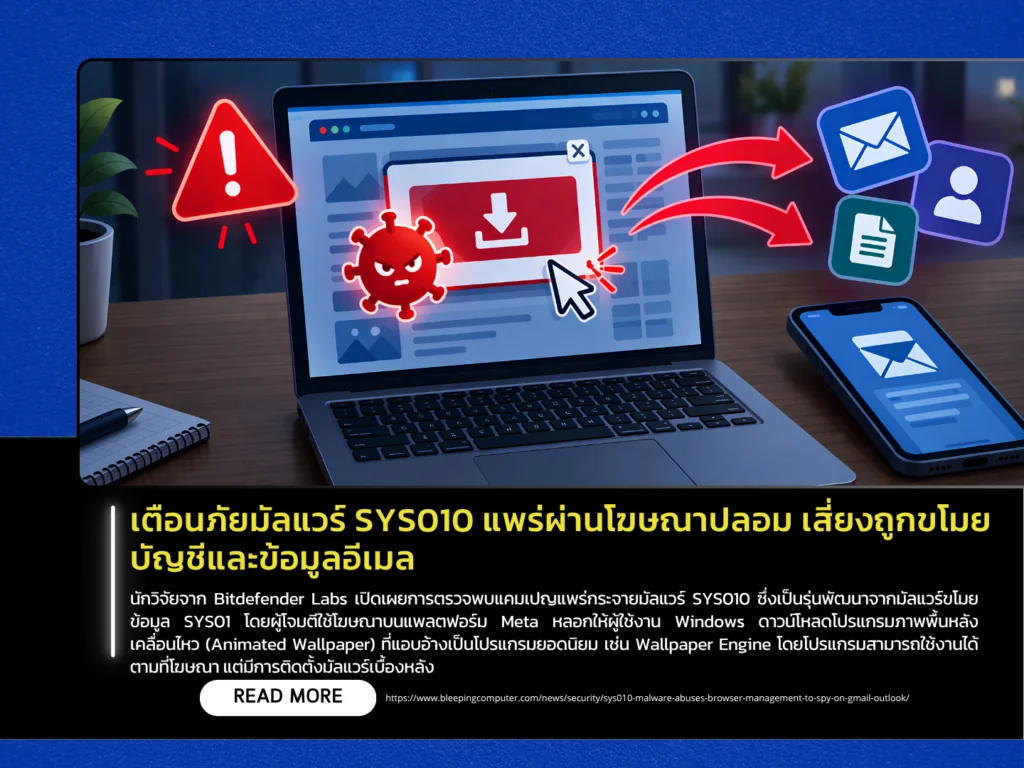
Researchers from Bitdefender Labs have disclosed a campaign distributing SYS010, an evolved version of the SYS01 infostealer. The attackers use advertisements on Meta platforms to trick Windows users into downloading animated wallpaper applications that impersonate popular software such as Wallpaper Engine. The programs function as advertised but secretly install malware in the background. Researchers first identified advertisements associated with the campaign on October 16, 2026, and observed connections to attacker-controlled infrastructure from multiple regions worldwide.
When a user launches the application, the malware connects to a Command-and-Control (C2) server to receive instructions and download additional components. It then repeatedly displays User Account Control (UAC) prompts in an attempt to obtain administrator privileges before modifying enterprise browser and device management settings to forcibly install malicious extensions on Google Chrome, Microsoft Edge, and Mozilla Firefox. These changes can prevent users from disabling or removing the extensions. The extensions are capable of stealing session cookies, which attackers may use to access accounts without re-entering passwords or completing Multi-Factor Authentication (MFA). They can also collect information related to Meta business accounts, advertising accounts, and payment details. In addition, the Google Chrome extension can read and delete emails from signed-in Gmail and Outlook accounts, potentially allowing attackers to steal authentication codes and remove security notification messages to conceal malicious activity.
Users should download software only from official developer websites or other trusted sources, avoid installing programs promoted through social media advertisements, and not grant administrator privileges to software from unknown sources. If a personal device unexpectedly displays a “Managed by your organization” message in the browser, users should review browser policies and installed extensions. If malware infection is suspected, the device should be isolated from the network, examined, and cleaned before passwords are changed and affected sessions revoked from a trusted device. Users should also review access permissions for Meta Business accounts, advertising activity, and payment transactions for signs of unauthorized use.